
Automatic timesheets
GPS timesheets that go straight to Xero or MYOB
Your crew drives onto site and the clock starts. They leave, it stops. No paper, no app to forget, no Friday-night chasing.
Everything payroll needs, recorded automatically
Geofence clock-on and clock-off
The clock starts when a vehicle (or a driver with an ID tag) arrives at a site and stops when it leaves.
Grouped per person and per job
See hours by employee and by site, ready to cost jobs and check quotes.
Overtime and penalty rates
Award-based overtime and penalty rates applied to recorded hours.
Export to Xero, MYOB or CSV
Hours go straight into payroll. Other systems take a CSV.
Proof of every job
Arrival times, time on site, trip history and playback for every visit.
Driver app
Crews capture photos and customer signatures against the job.
From the ute to Xero in one step
Hours export straight into Xero or MYOB, so payroll is a review, not a data-entry job. Anything else takes a CSV.
- Hours per person and per job
- Overtime and penalty rates applied
- You check the week before you export
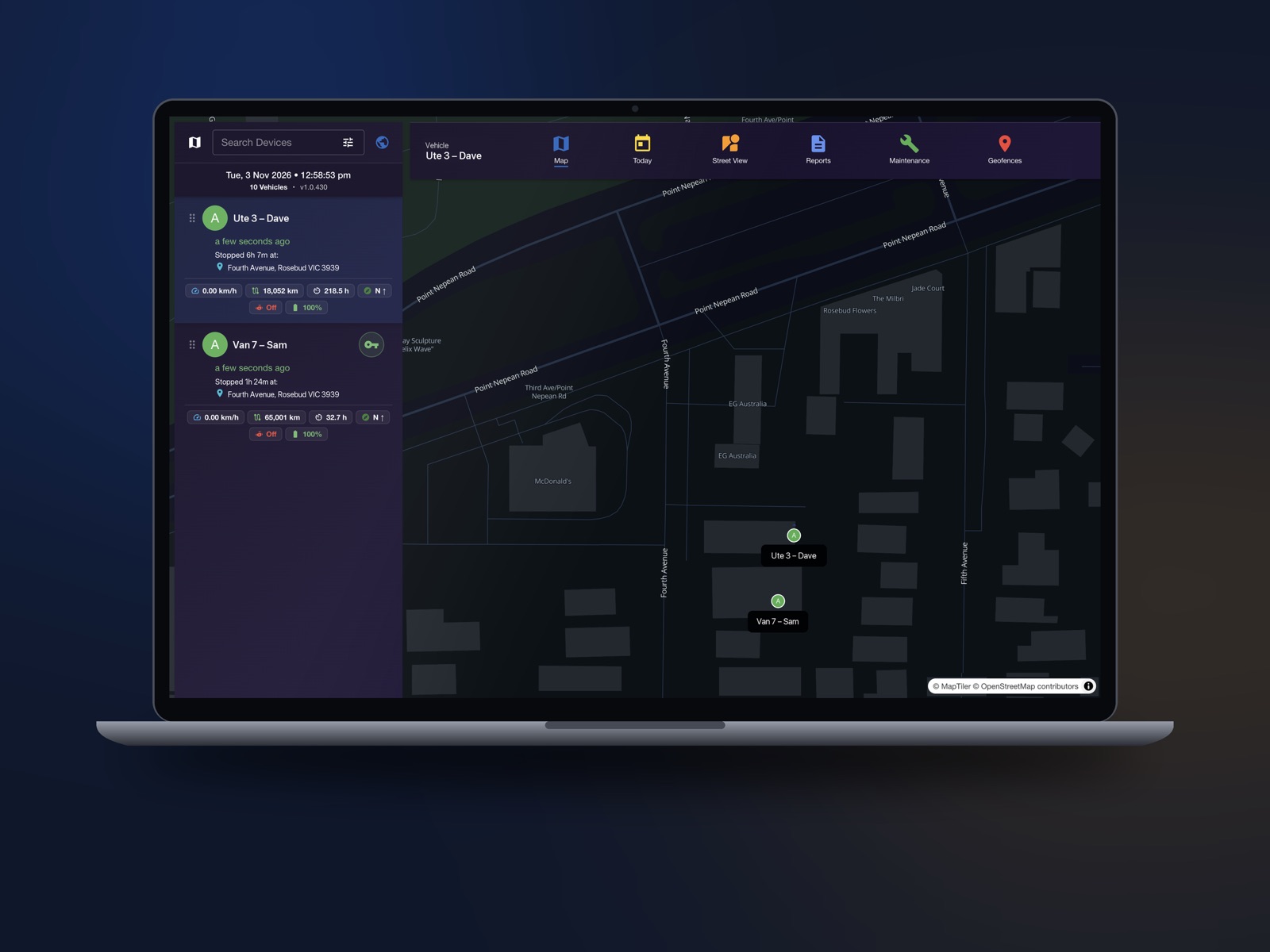
Proof behind every hour
Every timesheet line is backed by the trip: when the vehicle arrived, how long it stayed and the route it took. Clients and staff can’t argue with it.
- Trip history and playback
- Arrival times and time on site
- Photos and signatures from the driver app
Timesheet questions
How do the automatic timesheets work?
We draw geofences around your yard and job sites. When a vehicle (or a driver with an ID tag) enters a site the clock starts, and when it leaves the clock stops. Hours are grouped per person and per job, ready to export to Xero, MYOB or CSV.
Does my crew need to install an app or press anything?
No. Hours come from the tracker in the vehicle, so there is nothing for the crew to remember. If staff share vehicles, a driver ID tag tells the system who is driving.
Can I check hours before they go to payroll?
Yes. Hours sit on the dashboard per person and per job, so you can look over the week before you export to Xero, MYOB or CSV.
What if I don’t use Xero or MYOB?
Export to CSV and import it into your payroll system or spreadsheet.
Timesheets for your trade
See your crew’s timesheets build themselves
A 15-minute call with a real person. Tell us about your vehicles and how you do payroll, and we’ll show you what the timesheets would look like. No hard sell.